


Many people struggle to stay on top of their financial accounts, overspend, miss upcoming bills, or lose track of fixed and recurring expenses. Without the right tools, managing money often feels confusing and stressful.
That’s where the best budgeting apps 2026 come in. These tools help you track spending, categorize expenses, and generate personalized reports while you sync bank accounts seamlessly.
In this article, H2T Funding will explore the best free budgeting apps of 2026, designed to save you thousands annually and give you a clearer spending snapshot of your finances.
Key takeaways
- The best budgeting apps for 2026 simplify money management with real-time tracking, automation, and goal setting.
- Choosing the right app depends on ease of use, pricing (including the best budgeting apps 2026 free), security, multi-device support, and customization.
- Reddit users highlight YNAB, Monarch Money, Copilot, and even Excel/Google Sheets as popular budgeting choices.
- Budgeting apps offer strong benefits like automation, account syncing, and mobility, but may come with costs, setup effort, or privacy concerns.
1. Understanding what makes the best budget app
A budgeting app is a simple but powerful tool that helps you manage money by bringing income, expenses, and goals into one place. These apps give you a clear view of your spending habits so you can save more, cut back where needed, or pay off debt faster.
Most budgeting apps sync with your bank accounts to track transactions in real time. They categorize purchases automatically and highlight when you go over budget, such as spending too much on dining out.
The best budgeting apps add extra value with tailored features. Some follow methods like zero-based or category budgeting, while others focus on quick snapshots for everyday users.
Customization is also key. A good app lets you set personal goals, whether it’s saving for a trip, paying off credit cards, or tracking your net worth over time.
2. Why budgeting apps are essential in 2026
In 2026, managing finances is tougher due to rising costs and economic shifts, making budgeting apps vital tools for staying in control. These apps simplify tracking income, expenses, and goals, offering a modern alternative to manual methods like spreadsheets.
I’ll be honest, my own finances used to be a mess of forgotten subscriptions and mindless card taps. The real turning point was using an app that laid out exactly where my money was going. Seeing it all in one place was a wake-up call. Six months later, I had built a $2,000 emergency fund, not just a number, but a real sense of security.
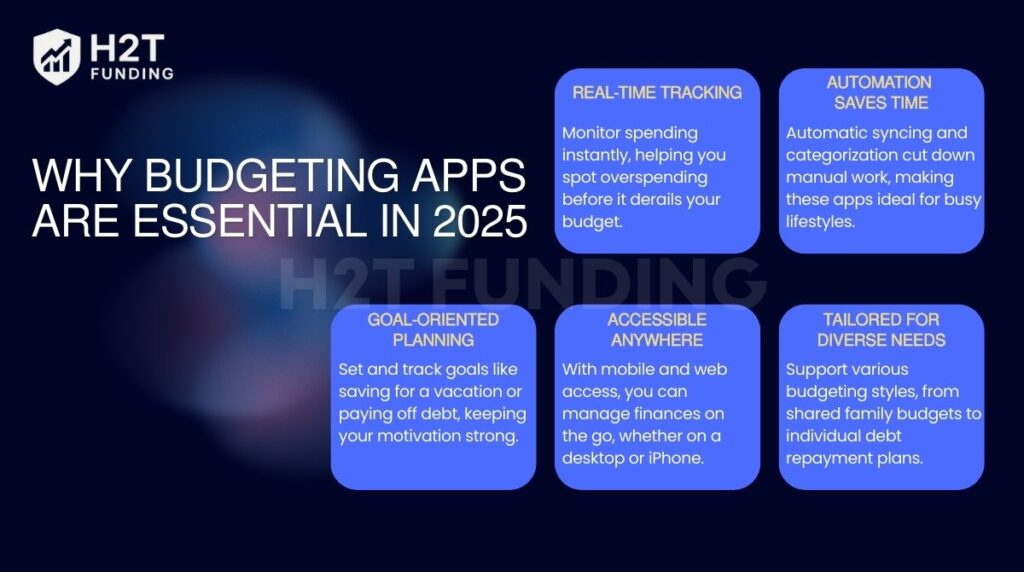
- Real-Time tracking: Monitor spending instantly, helping you spot overspending before it derails your budget. That’s why many people consider using the best money tracking app to stay in control of their daily cash amounts and flexible expenses.
- Automation saves time: Automatic syncing and categorization cut down manual work, making these apps ideal for busy lifestyles.
- Goal-oriented planning: Set and track goals like saving for a vacation, paying off debt with a loan payoff simulator, or building wealth, keeping your motivation strong.
- Accessible anywhere: With mobile and web access, you can manage finances on the go, whether on a desktop or iPhone.
- Tailored for diverse needs: Support various budgeting styles, from shared family budgets to individual debt repayment plans.
Ultimately, the best budgeting apps bring real-time insights, automation, and goal tracking together in one place. They provide flexible tools for anyone looking to save more, reduce stress, and build better money habits.
3. 5 Factors to consider when choosing a budgeting app
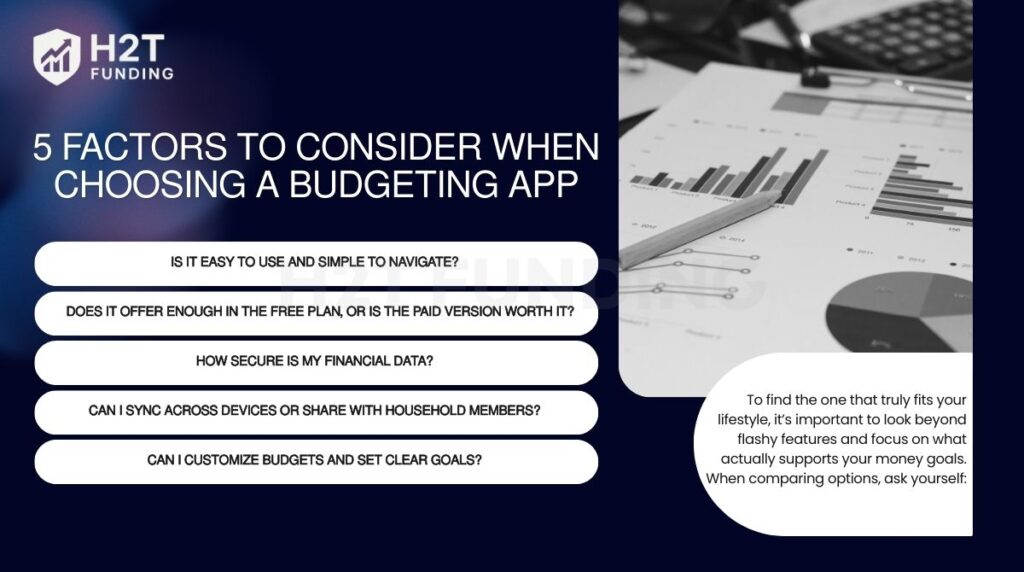
Not all budgeting apps are created equal. To find the one that truly fits your lifestyle, it’s important to look beyond flashy features and focus on what actually supports your money goals. When comparing options, ask yourself:
- Is it easy to use and simple to navigate?
- Does it offer enough in the free plan, or is the paid version worth it?
- How secure is my financial data?
- Can I sync across devices or share with household members?
- Can I customize budgets and set clear goals?
Here’s a breakdown of what truly matters when finding the right app for you.
3.1. Ease of use
An intuitive interface is essential, especially for beginners or those with packed schedules. A clear dashboard displaying income, expenses, and savings at a glance simplifies financial tracking. Easy navigation and customizable categories make budgeting approachable rather than daunting. Choose an app that feels seamless and integrates smoothly into your routine.
What to look for:
- Clean, mobile-friendly interface, especially for iPhone users.
- Straightforward summaries of spending and savings.
- Simple tools to adjust budgets and set financial goals.
3.2. Free vs. Paid tools
Free apps often provide core features like expense tracking, but premium versions may include advanced tools like real-time syncing or detailed reports. Evaluate if a free version suffices or if paid features are worth the cost for your needs. Trial periods help test functionality before committing. Ensure the app’s cost fits your budget and financial priorities.
What to look for:
- Free versions with essential budgeting capabilities.
- Clear value in paid plans, such as automation or goal tracking.
- Offering trial periods or refunds to allow for testing.
3.3. Security and privacy
Apps that sync with bank accounts must prioritize robust data protection with strong encryption and two-factor authentication. Transparent privacy policies should explain how your data is stored or shared. For those prioritizing privacy, manual entry options reduce reliance on bank connections. Security is critical to safeguard your financial information.
What to look for:
- Complete encryption from start to finish, combined with two-step verification.
- Clear, transparent privacy policies on data usage.
- Manual entry options for privacy-conscious users.
3.4. Multi-device and sharing options
Compatibility across mobile and web platforms ensures you can manage your budget anywhere. Apps with sharing features are perfect for couples or families coordinating joint expenses or splitting bills. Select an app that supports your preferred devices and collaboration needs.
What to look for:
- Interoperability with several platforms (web, iOS, and Android).
- Features for shared budgeting or bill-splitting.
- Real-time syncing for household financial tracking.
3.5. Customization and goal-setting
A flexible app allows you to tailor methods, such as assigning every dollar a role or allocating funds to specific categories. Tools for setting goals, like saving, debt repayment, or adjusting flexible expenses, keep you focused. Customizable budgeting ensures the app matches your personal priorities.
What to look for:
- Support for budgeting styles like zero-based or envelope methods.
- Tools for setting goals related to saving money or paying off debt.
- Customizable categories and detailed progress reports.
See more related articles:
4. 15 best budgeting apps 2026
In 2026, budgeting apps are essential for managing finances, whether you’re a beginner, a couple sharing expenses, or aiming to pay off debt. Below, we detail 15 top apps tailored to various needs, each presented in a clear table format with costs, key features, pros, cons, and ideal users.
4.1. Quicken Simplifi – Best for managing household finances
Quicken Simplifi streamlines household budgeting with robust tools for tracking bills and shared expenses. Ideal for families and couples, it offers real-time alerts and multi-user support. Explore its features to manage complex finances effortlessly.
| Category | Details |
|---|---|
| Cost | • $35.88–$47.88/year (discounts available). • 30-day money-back guarantee. |
| Key Features | • Tracks bills, savings goals, and cash flow. • Auto-categorizes expenses with customizable options. • Connects bank accounts, credit cards, and loans seamlessly. • Available on iOS (4.3 stars), Android (4.3 stars), and web. • Uses 256-bit encryption and multi-factor authentication for enhanced security. |
| Pros | • User-friendly for household budgeting. • Real-time alerts for spending and bills. • Supports multiple users (e.g., partners, planners). |
| Cons | • No free trial. • Pricing varies by platform. |
| Best For | Families and couples managing complex household finances. |
4.2. YNAB (You Need A Budget) – Best for serious budgeters and goal setting
YNAB transforms budgeting with its zero-based approach, ensuring every dollar has a purpose. Perfect for dedicated budgeters, it offers robust goal-setting tools and a 34-day free trial. Break free from paycheck-to-paycheck living with its structured system.
| Category | Details |
|---|---|
| Cost | • $14.99/month or $109/year. • 34-day free trial. • Complimentary access for college students (1 year). |
| Key Features | • Zero-based budgeting: every dollar has a role. • Tracks savings, debt, and purchase goals. • Syncs banks with iOS 17.4 Apple Card support; manual import option available. • Accessible via iOS (4.8 stars), Android (US-only, 4.7 stars), web, Apple Watch, and Alexa. • Uses bank-grade encryption and two-step verification. |
| Pros | • Encourages proactive budgeting. • Includes extensive educational resources (workshops, videos). • Can be shared with up to five users. |
| Cons | • Steeper learning curve for beginners. • More expensive than free budgeting apps. |
| Best For | Users are committed to hands-on budgeting and breaking paycheck-to-paycheck cycles. |
4.3. PocketGuard – Best for tracking spending
PocketGuard simplifies spending tracking with a user-friendly interface and real-time budget insights. Its “In My Pocket” feature helps overspenders stay within limits. Ideal for beginners, it offers a quick financial overview on iPhone.
| Category | Details |
|---|---|
| Cost | • $12.99/month or $74.99/year. • 7-day free trial. |
| Key Features | • “In My Pocket” shows how much money is available to spend. • Auto-categorizes expenses with customizable options. • Syncs bank accounts and credit cards via Plaid. • Available on iOS (4.8 stars) and Android (4.2 stars). • Uses 256-bit encryption and biometric verification. |
| Pros | • Simple interface reduces overspending. • Real-time budget snapshots. • Includes debt payoff plans. |
| Cons | • No free plan. • Limited advanced features. |
| Best For | Overspenders and beginners who need a quick overview of their finances. |
4.4. Monarch Money – Best for replacing Mint
Monarch Money delivers comprehensive financial tracking, perfect for former Mint budget app users and couples. Its ad-free platform supports net worth monitoring and shared budgeting. Dive into detailed planning with this robust app.
| Category | Details |
|---|---|
| Cost | • $14.99/month or $99.99/year. • 7-day free trial. |
| Key Features | • Tracks net worth, investments, and assets (e.g., via Zillow). • Flex and Category Budget options with customizable categories. • Syncs via Plaid, Finicity, and MX; supports Apple Card (iOS 17.4). • Available on iOS (4.8 stars), Android (4.6 stars), web, and Chrome extension for Mint imports. • Uses bank-grade encryption with multi-step authentication. |
| Pros | • Comprehensive financial tracking. • Great for couples and former Mint users. • Ad-free experience with shared budgeting. |
| Cons | • No free version. • Setup on mobile can feel complex. |
| Best For | Former Mint users and anyone who wants in-depth monitoring of their finances. |
4.5. Goodbudget – Best for envelope budgeting
Goodbudget brings digital envelope budgeting to life, ideal for couples and privacy-conscious users. Its free tier supports manual entry, perfect for simple budgets. Manage shared finances effortlessly with this intuitive tool.
| Category | Details |
|---|---|
| Cost | • Free tier available. • Premium $10/month or $80/year. |
| Key Features | • Digital envelope budgeting for categorized spending. • Manual entry in the free tier; premium supports bank syncing. • Allows joint budgeting for couples or family members. • Available on iOS (4.6 stars), Android (3.7 stars), and web. • Uses 256-bit encryption with secure cloud storage. |
| Pros | • Supports the envelope method digitally. • Joint budgeting option is helpful for families or partners. |
| Cons | • Free plan limited to 20 envelopes. • Manual entry can be time-consuming. |
| Best For | Couples and users who prefer envelope budgeting without full bank syncing. |
4.6. Honeydue – Best for couples
Honeydue streamlines couple budgeting with free, collaborative tools and flexible privacy options. Partners can track shared expenses and communicate in-app. Simplify joint finances with this mobile-first solution.
| Category | Details |
|---|---|
| Cost | • Completely free. • Optional tip to support developers. |
| Key Features | • Syncs bank accounts, credit cards, and loans from 20,000+ institutions across five countries. • Couples can share selected data while keeping some private. • Auto-categorizes transactions with custom categories. • In-app chat for discussing transactions (with emojis). • Bill reminders and spending limit alerts. • Available on iOS (4.5 stars) and Android (4.1 stars). • Security with multi-factor authentication and Finicity encryption. |
| Pros | • Free with no premium tier. • Makes financial communication easy for couples. • Strong privacy controls for shared accounts. |
| Cons | • No web version, mobile-only. • Missing advanced tools like debt payoff planning. |
| Best For | Couples who want a free, collaborative app to manage shared finances. |
4.7. Empower – Best for tracking net worth and investments
Empower excels at monitoring net worth and investments while also handling basic budgeting. Previously known as the Personal Capital app, this platform has been trusted by millions for managing finances. The free tools deliver a full financial snapshot, making them ideal for wealth-focused users. With secure features, you can track assets seamlessly and stay in control.
| Category | Details |
|---|---|
| Cost | • Free for budgeting and net worth tracking. • Investment management at 0.89% of assets under $1 million (tiered rates for larger accounts). |
| Key Features | • Tracks net worth, including bank accounts, IRAs, 401(k)s, and loans. • Auto-categorizes transactions with customizable options. • Syncs with banks, credit cards, and investment accounts. • Investment checkup tool to analyze portfolio risk and performance. • Available on iOS (4.7 stars), Android (4.4 stars), and web. • 256-bit encryption with secure data handling. |
| Pros | • Budgeting and investment monitoring at no cost. • Holistic financial overview in one platform. • Strong portfolio analysis tools. |
| Cons | • Budgeting features less suited for short-term planning. • Some users report persistent sales calls about investment services. |
| Best For | Users focused on net worth and investment tracking alongside basic budgeting. |
4.8. EveryDollar – Best for getting out of debt
EveryDollar tackles debt with its straightforward zero-based budgeting method. It’s a free tier that suits beginners, while the premium adds bank syncing and coaching. If you’re balancing debt payoff with saving goals, learning about saving vs investing pros and cons can give you extra clarity on how EveryDollar fits into your financial plan.
| Category | Details |
|---|---|
| Cost | • Free tier available. • Premium $17.99/month or $79.99/year. • 14-day free trial for Premium. |
| Key Features | • Zero-based budgeting assigns a role to every dollar. • Tracks debt, savings, and custom budget categories. • Manual entry in the free tier; Premium auto-syncs bank accounts. • Financial roadmap and group coaching in Premium. • Available on iOS (4.7 stars), Android (4.4 stars), and web. • Strong encryption with multi-factor authentication. |
| Pros | • Free plan supports basic budgeting. • Effective for debt repayment using zero-based budgeting. • User-friendly with coaching resources. |
| Cons | • Manual entry required in the free plan. • The premium plan is relatively expensive. |
| Best For | Users focused on debt elimination through structured zero-based budgeting. |
4.9. NerdWallet – Best for a free budgeting app
NerdWallet provides a free solution for tracking spending, net worth, and credit scores. With a beginner-friendly interface and educational resources, it’s ideal for cost-conscious users. Handle your finances for free.
| Category | Details |
|---|---|
| Cost | • Completely free. |
| Key Features | • Monitor cash flow, expenses, net worth, debts, and credit score. • Auto-categorizes transactions via Plaid with customizable options. • Syncs banks, credit cards, and real estate via Redfin. • Offers guides and financial calculators for learning. • Available on iOS (4.8 stars), Android (4.5 stars), and web. • Strong encryption with two-factor authentication. |
| Pros | • Free to use with robust features. • All-in-one platform for finance tracking and education. • Simple design is great for beginners. |
| Cons | • Limited customer support. • Lacks some advanced budgeting tools found in paid apps. |
| Best For | Beginners and budget-conscious users who want a free, all-in-one financial app. |
4.10. Cleo – Best for AI-Powered budgeting
Cleo makes budgeting engaging with its AI chatbot, offering witty financial advice and spending insights. It’s a free tier that suits younger users, while the premium adds credit-building tools. Interact with your finances through this lively app.
| Category | Details |
|---|---|
| Cost | • Free tier available. • Cleo Plus: $5.99/month or $41.50/year. • Cleo Builder: variable pricing for credit-building. |
| Key Features | • AI chatbot gives budgeting tips and financial advice. • Auto-categorizes transactions, tracks spending, and sets savings goals. • “Roast Mode” humorously critiques overspending; “Hype Mode” motivates saving. • Secure bank syncing via Plaid with 256-bit encryption. • Available on iOS (4.7 stars) and Android (4.3 stars). |
| Pros | • Fun and engaging interface for younger users. • Free plan includes core budgeting features. • Credit-building card with no interest or credit checks. |
| Cons | • Premium features can be costly. • Limited advanced budgeting tools. |
| Best For | Users who want a playful, AI-powered app for budgeting and credit-building. |
4.11. Wallet by BudgetBakers – Best for cash flow Monitoring
Wallet by BudgetBakers is designed for users who want clear insights into their cash flow. With syncing to thousands of banks, recurring budget options, and useful data reports, it helps track both daily expenses and long-term financial habits.
| Category | Details |
|---|---|
| Cost | Free plan with limited features. Premium $5.99/month, $21.99/6 months, or lifetime $49.99. 14-day free trial for premium. |
| Key Features | • Syncs with 15,000+ banks and institutions. • Supports recurring or one-time budgets. • Detects recurring payments automatically. • Provides investment management and detailed reports. • Available on iOS (4.6 stars) and Android (4.5 stars). |
| Pros | • Clear spending insights. • Easy to use. • Multi-user sharing available. |
| Cons | • Free version lacks auto-sync. • Pricing info not fully transparent. |
| Best For | Users who want detailed cash flow monitoring and strong bank syncing. |
4.12. Lunch Money – Best for desktop budgeting
Lunch Money focuses on desktop-first budgeting, making it perfect for those who prefer managing money on a larger screen. With flexible pricing and collaboration options, it balances simplicity with functionality.
| Category | Details |
|---|---|
| Cost | $10/month or $50–$150/year with “set-your-own-price” option. 30-day free trial available. |
| Key Features | • Desktop-first web app. • Collaboration for shared budgeting. • Mobile apps complement the desktop version. • Available on iOS (4.9 stars) and Android (4.6 stars). |
| Pros | • Flexible pricing. • Great for desktop use. • Supports budgeting with partners. |
| Cons | • No free plan. • Limited mobile feedback. • Lacks goal-setting features. |
| Best For | Users who prefer desktop-first budgeting and collaboration options. |
4.13. Rocket Money – Best for managing subscriptions
Rocket Money is a strong choice for those who want to take control of recurring charges. With subscription tracking, bill negotiation, and autosave, it helps users cut waste and stay on top of monthly bills.
| Category | Details |
|---|---|
| Cost | Free version with limited tools. Premium $6–$12/month after 7-day free trial. |
| Key Features | • Tracks and cancels subscriptions. • Offers bill negotiation (fee: 35–60% of first-year savings). • Budget tracking and autosave. • Credit score monitoring. • Available on iOS (4.5 stars) and Android (4.7 stars). |
| Pros | • Excellent for subscription control. • Bill negotiation service. • Strong financial tracking tools. |
| Cons | • Limited free version. • Negotiation fees can be high. • Few investment features. |
| Best For | Users are looking to cut recurring costs and manage subscriptions effectively. |
4.14. Albert – Best for automatic savings
Albert combines budgeting with automation, giving users the ability to save without thinking. Premium plans also include investment options, financial insights, and access to expert advice.
| Category | Details |
|---|---|
| Cost | $14.99–$39.99/month depending on plan. 30-day free trial included. |
| Key Features | • Automated savings tools. • Access to financial experts via chat. • Investment and credit score monitoring. • Available on iOS (4.6 stars) and Android (4.5 stars). |
| Pros | • Strong automation features. • Expert advice available. • Includes credit monitoring. |
| Cons | • Expensive compared to rivals. • No free plan. • Limited customization options. |
| Best For | Users who want automated savings with access to expert support. |
4.15. Spendee – Best for beginner budgeters
Spendee is built with simplicity in mind, making it great for beginners. With free and affordable paid plans, it covers essential budgeting needs while offering budget sharing and smart spending analysis.
| Category | Details |
|---|---|
| Cost | Free plan available. Spendee Plus $1.99/month or $14.99/year. Premium $5.99/month or $35.99/year. 7-day free trial for premium. |
| Key Features | • Bank account sync. • Auto-categorizes expenses. • Share budgets with others. • Smart budgets and spending analysis. • Available on iOS (4.6 stars) and Android (4.4 stars). |
| Pros | • Free option available. • Affordable paid tiers. • Simple and beginner-friendly. |
| Cons | • Limited features on the free plan. • Less advanced than higher-priced apps. |
| Best For | Beginners seeking an affordable, easy-to-use budgeting app. |
5. Best budgeting apps 2026 Reddit
Reddit is a popular space for budget app discussions, where users share honest experiences and advice. A common takeaway is simple: the best budgeting app is the one you’ll stick with. Many also note that while free tools are helpful, paid apps often provide stronger features like automatic syncing, investment dashboards, and net worth tracking.
From Reddit threads, these apps are most frequently highlighted:
- YNAB (You Need A Budget): Highly praised for its zero-based budgeting method, though some find the subscription cost steep.
- Monarch Money: Recommended as a strong alternative to Mint, with a clean design and multi-device support.
- Copilot: Mentioned often by Apple users for its modern interface and real-time spending categorization.
- Google Sheets and Excel: Still popular for those who want a free, customizable way to build a budget.
Overall, Reddit conversations suggest that there isn’t a single “perfect” app for everyone. Instead, the best budgeting apps in 2026 are those that balance features, usability, and cost in a way that matches your personal financial habits.
6. Key advantages and drawbacks of using a budgeting app
In today’s digital age, managing your finances has become more convenient than ever, thanks to budgeting apps. However, like any tool, budgeting apps come with both benefits and limitations that you should consider before relying on one as your primary money management method.
Advantages
- Account synchronization: Most budgeting apps allow you to link multiple accounts from checking and savings to credit cards and digital wallets, giving you a centralized view of your finances in real time.
- Goal setting and tracking: Budgeting apps let you set clear goals, like saving for a vacation, a car, or a home, and track progress to stay motivated.
- Automation of financial tracking: By automatically categorizing expenses and updating your budget, these apps reduce the need for manual input, helping you save time while staying organized.
- On-the-go accessibility: Most apps are mobile-first, so you can check your budget, log expenses, or adjust goals anytime, whether at the store or on the move.
Drawbacks
- Limited device compatibility: Some apps lack fully functional desktop versions or may not offer a seamless experience across devices, making it harder to manage your budget from a computer.
- Subscription costs: While some apps are free, many require a monthly or annual fee to unlock premium features. Free editions typically include advertisements or have restricted features.
- Setup time and maintenance: Using a budgeting app doesn’t eliminate the effort involved. You’ll still need to customize categories, set goals, and occasionally fix syncing errors, especially if your accounts don’t integrate smoothly.
- Privacy and security concerns: Sharing financial data with third-party apps always carries some risk. Not all apps offer the same level of encryption or data protection, so it’s important to research and choose a reputable provider.
Budgeting apps offer valuable tools to automate tracking, set goals, and manage spending. But users should balance these benefits with costs, setup effort, and privacy concerns. If you’re looking to stretch your income further, check out this guide on how to budget on a low income for practical strategies beyond apps.
7. Alternatives to budgeting apps
While budgeting apps offer convenience and automation, they may not suit everyone. Whether you’re looking for more customization, greater control, or a more traditional approach, here are some effective alternatives worth considering:
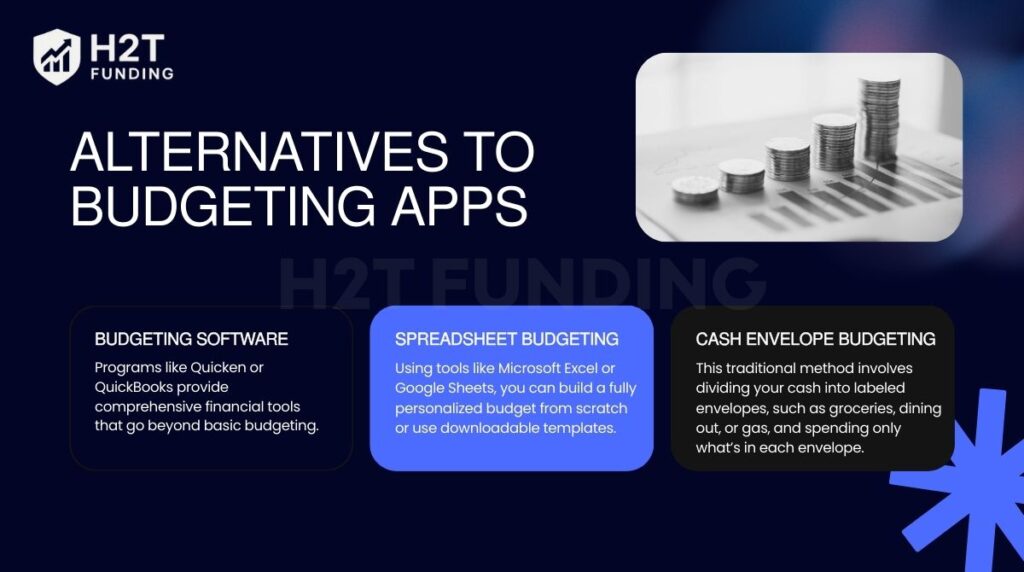
- Budgeting software: Programs like Quicken or QuickBooks provide comprehensive financial tools that go beyond basic budgeting. These platforms can handle tasks such as bill tracking, investment monitoring, and even tax preparation.
- Spreadsheet budgeting: Using tools like Microsoft Excel or Google Sheets, you can build a fully personalized budget from scratch or use downloadable templates. Many users prefer starting with a personal budget template in Excel to save time and simplify setup. For special occasions, you can even create an event budget template in Excel to manage costs effectively.
- Cash envelope budgeting: This traditional method involves dividing your cash into labeled envelopes, such as groceries, dining out, or gas, and spending only what’s in each envelope. It doesn’t rely on digital tools or bank syncing, which can be a major plus for those looking to avoid screen time or digital distractions.
These alternatives show that managing money doesn’t have to depend on apps alone. Whether through software, spreadsheets, or cash envelopes, you can still build a system that fits your lifestyle and keeps your finances on track.
8. FAQs about budget apps
Top picks include Goodbudget, Spendee, and EveryDollar (free version). They offer solid budgeting tools without requiring a subscription.
EveryDollar and PocketGuard are known for their user-friendly interfaces and quick setup. Ideal for beginners who want to start budgeting right away.
Honeydue and Zeta are designed for couples to track joint expenses and manage shared finances. Both allow communication and transparency between partners.
Goodbudget and EveryDollar (free version) let users manually enter expenses without syncing bank data. Great for privacy-focused or cash-based users.
It’s a budgeting method where every dollar is assigned a job until nothing is left unallocated. YNAB and EveryDollar are the top apps for this approach.
PocketGuard, Goodbudget, and Spendee offer free iOS apps. They provide useful features for tracking and managing money on the go.
There isn’t a single app that works best for everyone, but YNAB (You Need A Budget) is often ranked as the #1 budgeting app by both experts and users. It uses zero-based budgeting, helping you assign every dollar a purpose and stay disciplined. Many users like it for its clarity, though other apps, such as Monarch Money or Empower, may be better if you want investment tracking or simpler tools. The best choice depends on your personal goals.
Start by writing down all sources of income and your fixed expenses like rent, bills, and loans. Next, track flexible spending such as groceries or entertainment, to see where your money goes. Then, set savings or debt payoff goals and assign part of your income to them. Review your budget monthly and adjust as your situation changes.
The 50/20/30 rule splits your after-tax income into three parts: 50% for needs, 20% for savings or debt repayment, and 30% for wants. For example, if you make $3,000 a month, $1,500 goes to essentials, $600 to savings or debt, and $900 to lifestyle spending. This simple rule keeps your money balanced between present and future needs.
Dave Ramsey recommends EveryDollar, which follows his zero-based budgeting method. The app lets you plan where every dollar goes, so nothing is left unassigned. Its free version requires manual entry, while the paid version syncs with your bank for automation. It’s especially useful for people focused on debt repayment and disciplined saving.
9. Conclusion
Exploring the best budgeting apps 2026 can change the way you manage money, making budgeting simpler, more effective, and even enjoyable. Making use of financial management apps is one step toward effective budgeting, helping you save thousands each year while gaining a clearer view of your spending and saving habits.
Think of it this way: building better financial habits isn’t about perfection, it’s about progress. The right tool can make all the difference
Looking to take control of your finances? Visit H2T Funding, Budgeting Strategies for more expert tips and guides to empower your financial journey! Which budgeting app will you try first in 2026? Let us know your opinion in the comment section!